
Key facts
Start here
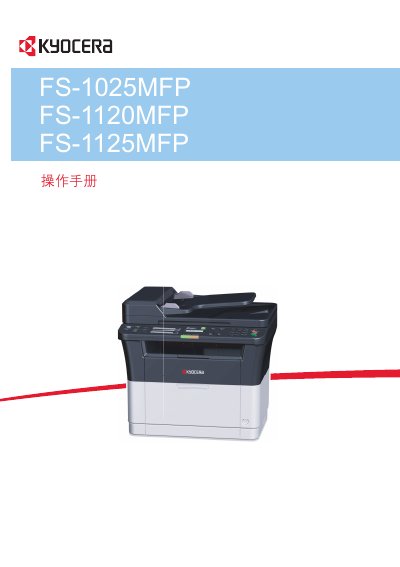
Kyocera FS-1025MFP FS-1120MFP FS-1125MFP Operation Manual
This document is the operation manual for the Kyocera FS-1025MFP, FS-1120MFP, and FS-1125MFP series of Multi Function Printers (MFPs). It provides instructions on machine components, preparation steps including connections and paper loading, and detailed guidance on copying, printing, scanning, and faxing functions. This manual is written in Chinese.
Read onlineAll KYOCERA FS-1025MFP FS-1120MFP documents by type
Day-to-day operation, settings and troubleshooting. Start here if the product is already set up.
Questions answered in these manuals
What is the purpose of this Operation Guide?
This guide helps you operate the machine correctly, perform routine maintenance, and take simple troubleshooting actions.
From: KYOCERA FS-1025MFP FS-1120MFP/FS-1125MFP FS-1320MFP/FS-1325MFP Operation Guide
What happens if the machine is not used for approximately one minute?
The device automatically enters Sleep Mode to reduce energy consumption.
From: KYOCERA FS-1025MFP FS-1120MFP/FS-1125MFP FS-1320MFP/FS-1325MFP Operation Guide
What models does this manual cover?
This manual is applicable to the FS-1025MFP, FS-1120MFP, and FS-1125MFP models.
From: Kyocera FS-1025MFP FS-1120MFP FS-1125MFP Operation Manual
Does the machine support duplex printing?
Yes, double-sided printing is built-in as a standard function for the FS-1025MFP and FS-1125MFP models.
From: Kyocera FS-1025MFP FS-1120MFP FS-1125MFP Operation Manual