
This is an installation manual for a printer.
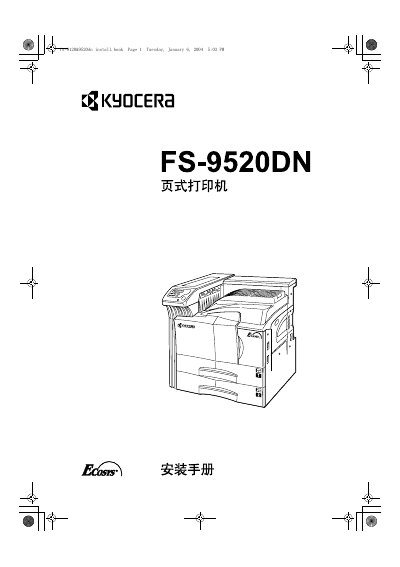
This document is an installation manual for the Kyocera FS-9120/9520DN page printer. It lists the shipped items and walks through unpacking, removing packing tape, selecting a location, installing the toner container and waste toner box, connecting the printer to a computer, connecting the power cord, loading paper, turning on the printer and printing a status page.
It also includes interface connection notes, safety information and a description of the operation panel indicators and keys. The manual notes that the printer is factory-set to HP PCL 6 emulation and can be connected via standard Centronics parallel, USB or 10Base-T/100Base-TX network interfaces. This manual is written in Chinese.
| Factory emulation | HP PCL 6 |
|---|---|
| Standard interfaces | Centronics parallel, USB, 10Base-T/100Base-TX network |
| Operating temperature | 10 to 32.5°C (50 to 90.5°F) |
| Laser classification | Class 1 laser product |
The printer has standard Centronics parallel, USB and 10Base-T/100Base-TX network interfaces for connecting to a computer.
It is set to HP PCL 6 emulation at the factory.
Turn off the printer power before connecting or disconnecting the printer interface cable.
Use a shielded USB 2.0 cable no longer than 5 m (16 ft).