
Key facts
Start here
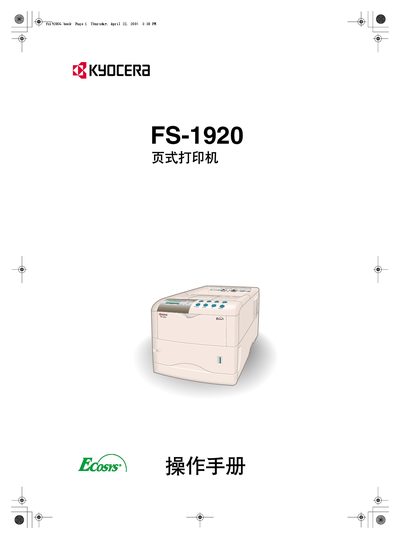
Kyocera FS-1920 Page Printer User Manual
This manual covers the Kyocera FS-1920 page printer, describing the control panel, display indicators, menu system and how to configure printing options. It includes detailed guidance on paper selection, custom paper types, and the use of optional accessories such as duplexers and feed trays.
The document also provides maintenance procedures, toner handling safety, firmware information, and a comprehensive troubleshooting section. Appendices list optional accessories, host interface specifications, and a full list of built‑in fonts.
Kyocera FS-1920 specifications
| Minimum heat resistance (paper) | 190 °C |
|---|---|
| Paper thickness | 0.100–0.110 mm |
| Paper weight (face layer) | 44–74 g/m² |
All Kyocera FS-1920 documents by type
Disassembly, diagnostics and part numbers, for repair.
Day-to-day operation, settings and troubleshooting. Start here if the product is already set up.
Questions answered in these manuals
What emulation mode does the FS‑1920 use out of the box?
The printer is set to PCL emulation when shipped from the factory.
What does the triangle warning symbol indicate?
The triangle symbol indicates a danger warning.
What must be done before disassembling the copier?
Unplug the power cord from the outlet before any disassembly.