
Key facts
Start here
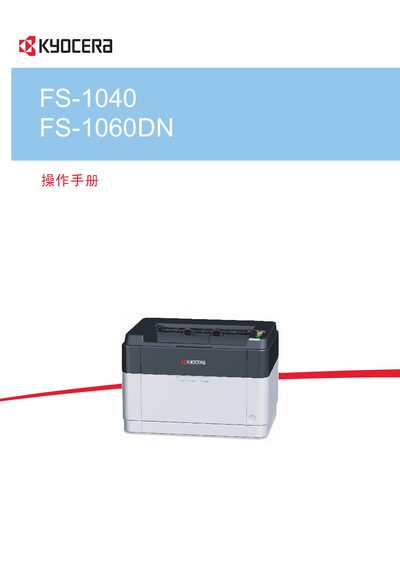
Kyocera FS-1040/FS-1060DN Printer User Manual
This manual provides step‑by‑step instructions for operating the Kyocera FS‑1040 and FS‑1060DN printers. It covers machine components, connection setup, driver installation, paper loading, routine maintenance, and troubleshooting of common issues such as paper jams.
Safety warnings, environmental operating limits, and detailed specifications are included, along with information on optional accessories like the KYOCERA Client Tool and Net Viewer software. This manual is written in Chinese.
Kyocera FS-1040 specifications
| Operating Temperature | 10 °C to 32.5 °C |
|---|---|
| Operating Humidity | 15 % to 80 % |
| Label Paper Front Layer Weight | 44 g/m² to 74 g/m² |
| Supported Paper Weight | up to 64 g/m² |
All Kyocera FS-1040 documents by type
Day-to-day operation, settings and troubleshooting. Start here if the product is already set up.
Questions answered in these manuals
What type of paper should be used with the printer?
Use paper up to 64 g/m² and avoid ink‑jet paper or paper with special surface coatings, as they may cause jams.
How does double‑sided printing work on the FS‑1060DN?
The printer has built‑in duplex printing; printing two single‑sided pages on one sheet reduces paper usage.
What is the purpose of the Safety Guide included with the machine?
The Safety Guide provides safety and cautionary information for the installation and use of the machine and must be read before using it.
From: Kyocera FS-1040/FS-1041 FS-1060DN/FS-1061DN Printer Operation Guide
How long does the device wait before entering Sleep Mode?
The device automatically enters Sleep Mode when approximately 1 minute has passed since the device was last used.
From: Kyocera FS-1040/FS-1041 FS-1060DN/FS-1061DN Printer Operation Guide