
Key facts
Start here
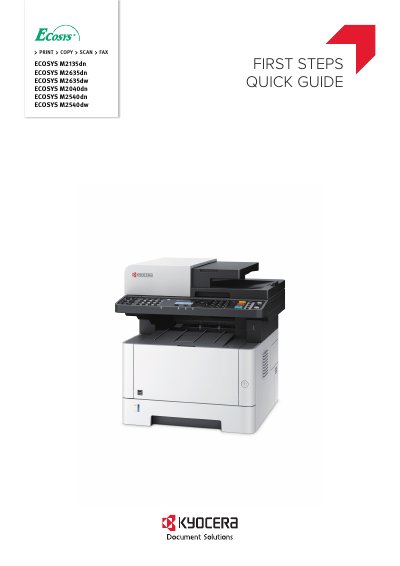
Kyocera ECOSYS M2135dn/M2635dn/M2635dw/M2040dn/M2540dn/M2540dw Quick Start Guide
This document serves as a quick start guide for Kyocera ECOSYS multifunction printers, specifically models M2135dn, M2635dn, M2635dw, M2040dn, M2540dn, and M2540dw. It is designed to explain only the basic operations of the machine, such as unpacking, setting up the toner container, loading paper, and powering on the device.
The guide notes that included components may vary depending on the country or region. For detailed information beyond these basic steps, users are directed to consult the Operation Guide available on the Product Library disc.
All Kyocera M2135dn documents by type
Day-to-day operation, settings and troubleshooting. Start here if the product is already set up.
The shortest path to a working setup, usually only a few pages.
Questions answered in these manuals
What operating systems are supported by this driver guide?
The guide supports Windows 7, Windows 10, Windows 8.1, Windows 8, Windows Vista, Windows XP, and various Windows Server versions including 2012 R2, 2012, 2008 R2, 2008, and 2003.
What is required to install the printer driver in Windows?
You must be logged in with administrator rights to install the printer driver in Windows operating systems.
What does this guide explain?
This guide (A) only explains the basic operations of the machine.
From: Kyocera ECOSYS M2135dn/M2635dn/M2635dw/M2040dn/M2540dn/M2540dw Quick Start Guide
Where can I find more information?
For other information, see Operation Guide (B) on the Product Library disc.
From: Kyocera ECOSYS M2135dn/M2635dn/M2635dw/M2040dn/M2540dn/M2540dw Quick Start Guide