
Key facts
Start here
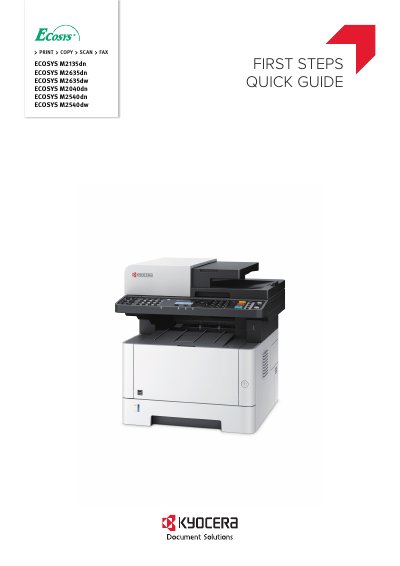
Kyocera ECOSYS M2135dn/M2635dn/M2635dw/M2040dn/M2540dn/M2540dw Quick Start Guide
This document serves as a quick start guide for Kyocera ECOSYS multifunction printers, specifically models M2135dn, M2635dn, M2635dw, M2040dn, M2540dn, and M2540dw. It is designed to explain only the basic operations of the machine, such as unpacking, setting up the toner container, loading paper, and powering on the device.
The guide notes that included components may vary depending on the country or region. For detailed information beyond these basic steps, users are directed to consult the Operation Guide available on the Product Library disc.
All Kyocera M2540dw documents by type
Day-to-day operation, settings and troubleshooting. Start here if the product is already set up.
- Kyocera ECOSYS M2135dn, M2040dn, M2635dn, M2635dw, M2540dn, M2540dw User Manual 418 p
- Kyocera M2540dw Operation Guide 2 p
- Kyocera Ecosys M2540DW Operation Guide 1 p
- Kyocera Ecosys P2235dn, P2235dw, P2040dn, P2040dw, M2135dn, M2040dn, M2635dn, M2635dw, M2735dw, M2540dn, M2540dw, M2640idw Series Product User Manual 93 p
The shortest path to a working setup, usually only a few pages.
Questions answered in these manuals
What toner should I use with this printer?
Use only Kyocera original toner cartridges to avoid damage and ensure optimal performance.
From: Kyocera ECOSYS M2135dn, M2040dn, M2635dn, M2635dw, M2540dn, M2540dw User Manual
Where can I find the device's serial number?
The serial number is located at the position shown in the illustration and should be known when contacting customer support.
From: Kyocera ECOSYS M2135dn, M2040dn, M2635dn, M2635dw, M2540dn, M2540dw User Manual
How do I enable Wi-Fi on the Kyocera M2540dw?
Press System Menu or Menu, navigate to System/Network, then select WiFi and turn it on.
What is the login username/password for the System/Network menu?
For ECOSYS printers, it’s the last 2 digits of the model number followed by ‘00’ (e.g., M2040=4000).
What is the license status of the downloadable device drivers and application software?
The license grants you a non-exclusive, non-transferable right to use the software.
What happens if you fail to comply with the license agreement provisions?
The license will terminate immediately without notice from KYOCERA.