
Key facts
Start here
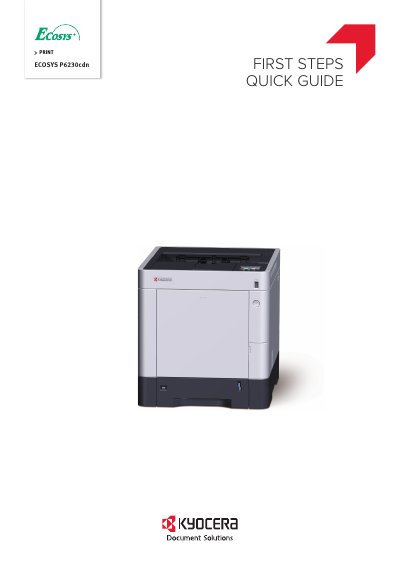
Kyocera ECOSYS P6230cdn Printer Initial Steps Quick Guide
This quick guide explains the basic setup steps for the Kyocera ECOSYS P6230cdn printer, including unpacking, loading paper, and powering on. It also notes that detailed operation instructions are available in the separate Operation Guide (B) on the Product Library disc.
The guide is multilingual, providing instructions in multiple languages including English, Spanish, French, German, and others, to assist users from different regions.
All Kyocera ECOSYS P6230cdn documents by type
The shortest path to a working setup, usually only a few pages.
Day-to-day operation, settings and troubleshooting. Start here if the product is already set up.
Questions answered in these manuals
What does this guide explain about the machine?
This guide only explains the basic operations of the machine.
From: Kyocera ECOSYS P6230cdn Printer Initial Steps Quick Guide
Where can I find information about components included with the printer?
The included components differ depending on the countries or regions.
From: Kyocera ECOSYS P6230cdn Printer Initial Steps Quick Guide
What is the recommended toner?
We recommend using genuine Kyocera toner containers to maintain quality and avoid machine failure.
Where is the equipment serial number located?
The serial number is printed in a specific location on the machine, shown in the figure on the preface page.