
Key facts
- Brand
- Kyocera
- Model
- M4132idn
- Category
- All-in-one printer
- Documents
- 3
- Languages
- EN
- Last added
- 2023-10-31
Start here
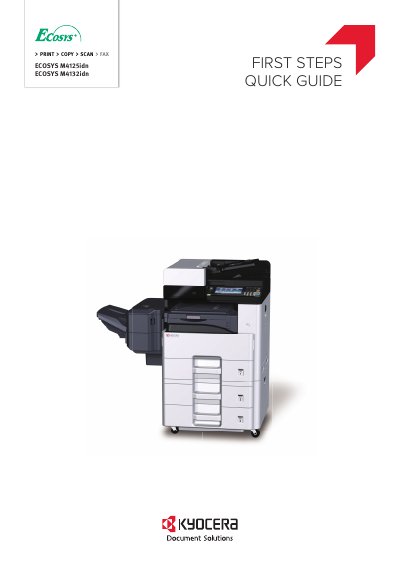
Kyocera ECOSYS M4125idn/M4132idn Quick Guide
This quick guide covers basic operations for the Kyocera ECOSYS M4125idn and ECOSYS M4132idn, including unpacking, loading paper, connecting cables, and clearing paper jams. It also notes that included components can differ by country or region and that the scanner lock applies only to the ECOSYS M4132idn.
For information beyond these basic operations, the guide refers users to the Operation Guide on the Product Library disc. It also describes on-screen error messages and the Attention indicator, and explains that paper jams are cleared by following the guidance on the operation panel.
All Kyocera M4132idn documents by type
The shortest path to a working setup, usually only a few pages.
Questions answered in these manuals
What does this guide cover?
It only explains the basic operations of the machine.
Where can I find more detailed information?
See the Operation Guide on the Product Library disc.
What does this guide explain about the machine?
This guide only explains the basic operations of the machine.
Where can I find more information about the machine?
For other information, see Operation Guide (B) on the Product Library disc.
What does this guide cover?
This guide explains basic operations such as printing, copying, scanning, and faxing.
Where can I find more detailed instructions?
For other information, see Operation Guide (B) on the Product Library disc.