
Key facts
Start here
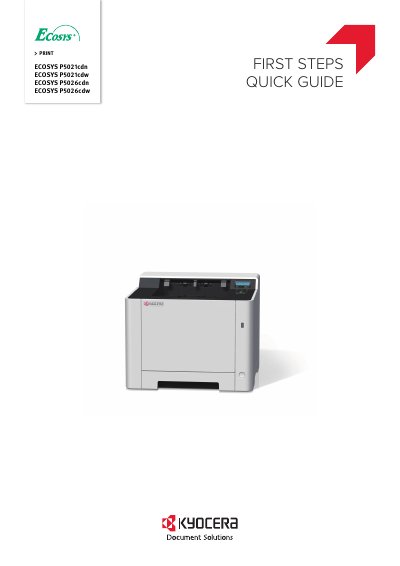
Kyocera ECOSYS P5021cdn/P5021cdw/ECOSYS P5026cdn/P5026cdw First Steps Quick Guide
This guide explains how to unpack, set up, and perform basic operations on Kyocera ECOSYS P5021cdn, P5021cdw, P5026cdn, and P5026cdw printers. It covers connecting power and network cables, loading paper, replacing the operation panel sheet, and adjusting altitude settings for high-altitude use. For detailed instructions, refer to the Operation Guide (B) on the Product Library disc.
The guide is multilingual, providing instructions in multiple languages including English, Spanish, French, German, Italian, Portuguese, Russian, Chinese, Korean, Japanese, and Turkish.
All Kyocera P5026cdw documents by type
Day-to-day operation, settings and troubleshooting. Start here if the product is already set up.
The shortest path to a working setup, usually only a few pages.
Questions answered in these manuals
What is the purpose of the EcoPrint function?
You can use this function to save toner consumption when you only need to check the printed content or when a high-quality print is not required.
From: Kyocera ECOSYS P5021cdn/P5021cdw/P5026cdn/P5026cdw Multifunction Printer Operation Manual
How does the Energy Saver function help reduce paper use?
The machine automatically switches into Sleep Mode to save energy as needed.
From: Kyocera ECOSYS P5021cdn/P5021cdw/P5026cdn/P5026cdw Multifunction Printer Operation Manual
What does this guide cover?
This guide covers basic operations such as unpacking, setting up the toner container, loading paper, replacing the operation panel sheet, and adjusting altitude for high-altitude use.
From: Kyocera ECOSYS P5021cdn/P5021cdw/ECOSYS P5026cdn/P5026cdw First Steps Quick Guide
Where can I find more detailed instructions?
For more detailed instructions, see the Operation Guide (B) on the Product Library disc.
From: Kyocera ECOSYS P5021cdn/P5021cdw/ECOSYS P5026cdn/P5026cdw First Steps Quick Guide
What does this guide explain?
This guide (A) only explains the basic operations of the machine.
From: Kyocera ECOSYS P5021cdn ECOSYS P5021cdw ECOSYS P5026cdn ECOSYS P5026cdw Quick Start Guide
Where can I find more information?
For other information, see Operation Guide (B) on the Product Library disc.
From: Kyocera ECOSYS P5021cdn ECOSYS P5021cdw ECOSYS P5026cdn ECOSYS P5026cdw Quick Start Guide