
Key facts
Start here
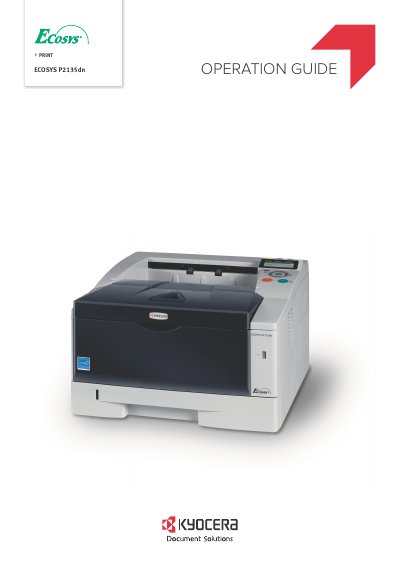
Kyocera ECOSYS P2135dn Printer Operation Guide
This Operation Guide helps users operate the Kyocera ECOSYS P2135dn printer correctly, perform routine maintenance, and handle basic troubleshooting. It includes sections on machine parts, paper handling, connecting and printing, maintenance, troubleshooting, and using the operation panel. The guide also covers legal and safety information, license agreements, and font licensing. It supports both inch and metric versions of the machine, with inch version details shown in the guide.
The guide is intended for users who want to use the printer with its own brand supplies, as third-party supplies may cause damage. It includes detailed instructions for loading paper, connecting to networks, installing drivers, using AirPrint, and managing settings like security and network configurations.
All Kyocera ECOSYS P2135dn documents by type
Day-to-day operation, settings and troubleshooting. Start here if the product is already set up.
Questions answered in these manuals
What is the purpose of this guide?
This guide explains how to choose, handle, and load paper, as well as how to use the operation panel to configure the printer.
What does Chapter 3 cover?
Chapter 3 explains the options available for this printer.
What is the purpose of this Operation Guide?
This guide helps you operate the machine correctly, perform routine maintenance, and take simple troubleshooting actions.
What brand of supplies does the manufacturer recommend?
The manufacturer recommends using their own brand supplies for the machine.