
Key facts
Start here
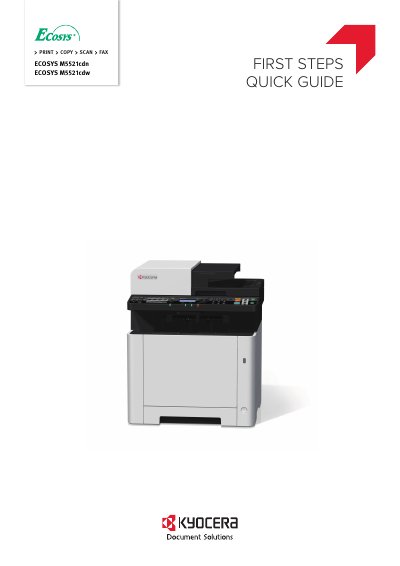
Kyocera ECOSYS M5521cdn / ECOSYS M5521cdw Quick Start Guide
This guide explains basic setup and operations for the Kyocera ECOSYS M5521cdn and ECOSYS M5521cdw multifunction printers. It covers unpacking, loading paper, replacing the operation panel sheet, and powering on the machine. For more detailed instructions, refer to the Operation Guide (B) on the Product Library disc.
The guide is multilingual, providing instructions in multiple languages including English, Spanish, French, German, Italian, Portuguese, Russian, Chinese, Korean, Japanese, and others.
All Kyocera ECOSYS M5521cdn, ECOSYS M5521cdw documents by type
Day-to-day operation, settings and troubleshooting. Start here if the product is already set up.
The shortest path to a working setup, usually only a few pages.
Questions answered in these manuals
What is the recommended toner?
We recommend using genuine Kyocera toner containers.
Where is the serial number located?
The serial number is printed in a specific location on the equipment.
What basic operations does this guide explain?
This guide only explains the basic operations of the machine.
From: Kyocera ECOSYS M5521cdn / ECOSYS M5521cdw Quick Start Guide
Where can I find information about other operations?
For other information, see Operation Guide (B) on the Product Library disc.
From: Kyocera ECOSYS M5521cdn / ECOSYS M5521cdw Quick Start Guide