
Key facts
Start here
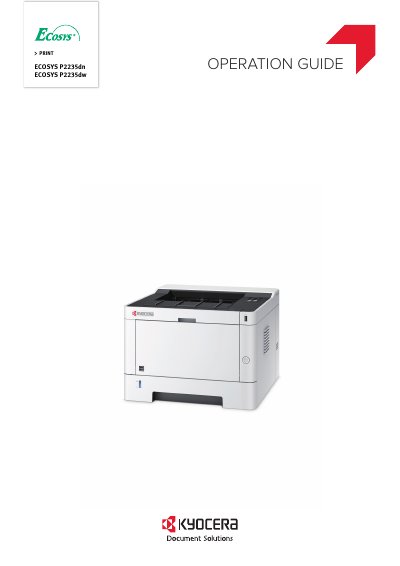
Kyocera ECOSYS P2235dn/P2235dw Operation Guide
This document serves as the Operation Guide for the Kyocera ECOSYS P2235dn and ECOSYS P2235dw laser printers. It provides instructions on installing and setting up the machine, including connecting cables and installing software. The guide also explains how to use the operation panel, configure network settings, and manage energy-saving features like Auto Sleep and Quiet Mode.
Read onlineAll Kyocera Ecosys P2235dn documents by type
Day-to-day operation, settings and troubleshooting. Start here if the product is already set up.
Questions answered in these manuals
What operating systems are supported by this driver guide?
The guide supports Windows 7, Windows 10, Windows 8.1, Windows 8, Windows Vista, Windows XP, and various Windows Server versions including 2012 R2, 2012, 2008 R2, 2008, and 2003.
What is required to install the printer driver in Windows?
You must be logged in with administrator rights to install the printer driver in Windows operating systems.
What is the purpose of the Energy Saver function?
The Energy Saver function automatically switches the machine into Sleep Mode to save energy.
How can I reduce the machine's running noise?
You can make the machine quiet by reducing its running noise using Quiet Mode.