
Key facts
- Brand
- Kyocera
- Model
- M5526cdw
- Category
- All-in-one printer
- Documents
- 2
- Languages
- EN
- Last added
- 2023-10-31
Start here
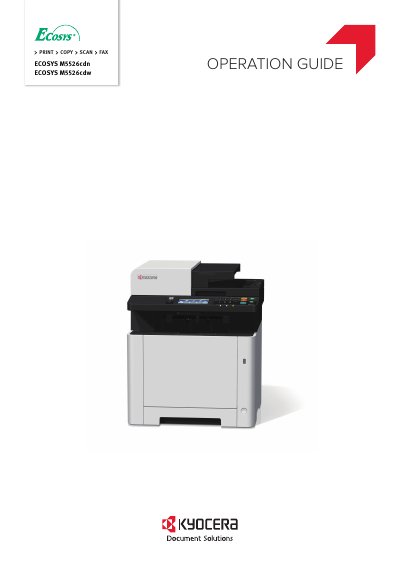
Kyocera ECOSYS M5526cdn M5526cdw Operation Guide
This Operation Guide from Kyocera explains how to operate the ECOSYS M5526cdn and ECOSYS M5526cdw machines correctly, perform routine maintenance and take simple troubleshooting measures so the machine can always be used in optimum condition. Kyocera recommends genuine Kyocera toner containers, since the use of non-genuine containers may cause failure.
The guide covers installing and setting up the machine, loading paper, printing from a PC, copying and sending documents, the functions available on the machine, checking status and canceling jobs, the System Menu settings, user login and job accounting, and troubleshooting with regular maintenance and adjustment.
Kyocera M5526cdw specifications
| Functions | Print, Copy, Scan, Fax |
|---|---|
| 2-sided printing | Automatic 2-Sided Print Function |
| Wireless LAN | Wireless LAN connection supported (if equipped) |
All Kyocera M5526cdw documents by type
Day-to-day operation, settings and troubleshooting. Start here if the product is already set up.
Questions answered in these manuals
What should I do before using the machine?
Read the Operation Guide before using the machine.
Which toner containers should I use?
Kyocera recommends genuine Kyocera toner containers; the use of non-genuine toner containers may cause failure.
What does the Startup Wizard do?
The Startup Wizard helps set up the machine by configuring language, date/time, and network settings.
Where can I find more detailed information?
For more information, see Operation Guide (B) on the Product Library disc.