
Key facts
Start here
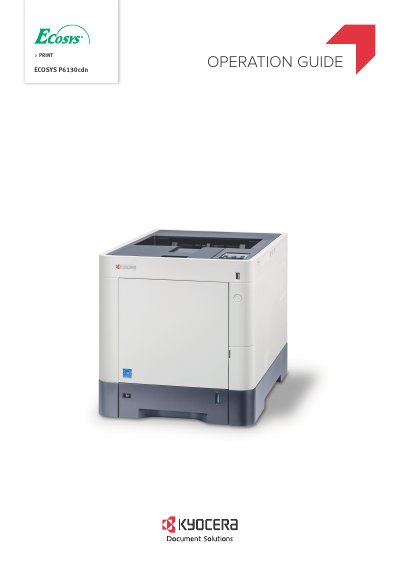
Kyocera ECOSYS P6130cdn Operation Guide
This Operation Guide is intended to help users operate the Kyocera ECOSYS P6130cdn correctly, perform routine maintenance, and take simple troubleshooting measures. It covers essential topics such as installing the machine, connecting cables, using the operation panel, and managing network settings.
The document details various machine features including the Energy Saver function, EcoPrint mode for toner saving, and security options like Card Authentication and Command Center RX. It also provides instructions for loading paper, printing from various sources, and performing regular maintenance tasks like cleaning and replacing the waste toner box.
All Kyocera ECOSYS P6130cdn documents by type
Day-to-day operation, settings and troubleshooting. Start here if the product is already set up.
Questions answered in these manuals
What is recommended regarding toner cartridges?
The manual recommends using genuine toner cartridges that have passed rigorous quality control tests.
What happens if non-genuine toner is used?
Using non-genuine toner cartridges may cause failures in the device.
What is the purpose of this Operation Guide?
It is intended to help you operate the machine correctly, perform routine maintenance, and take simple troubleshooting measures.
Does the machine support wireless network installation?
Yes, in an environment where wireless LAN is used, you can install the machine without concerning network cables.