
Key facts
Start here
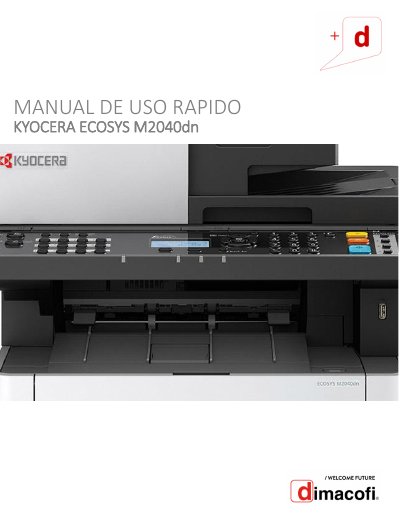
Kyocera ECOSYS M2040dn Quick Start Guide
This document is a quick start guide for the Kyocera ECOSYS M2040dn multifunction printer. It provides step-by-step instructions in Spanish for basic operations including printing from an application, making copies, and scanning documents to email or a network folder. The guide also explains how to replace the toner cartridge. This manual is written in Spanish.
Read onlineAll Kyocera ECOSYS M2040dn documents by type
The shortest path to a working setup, usually only a few pages.
Day-to-day operation, settings and troubleshooting. Start here if the product is already set up.
Questions answered in these manuals
What must be set up before sending an email from the machine?
The SMTP and E-mail values must be configured on the multifunction machine before an email is sent.
How do I set up two-sided printing?
In the print settings, select the Basic tab, click duplex or two-sided printing, and click Accept.
What should I read before using the machine?
You should read this user guide before using the machine.
What toner does Kyocera recommend?
Kyocera recommends using genuine Kyocera toner cartridges.