
This manual describes how to use FS-2020D, FS-3920DN, and FS-4020DN printers, including loading paper, printing, replacing toner, cleaning the printer, and troubleshooting.
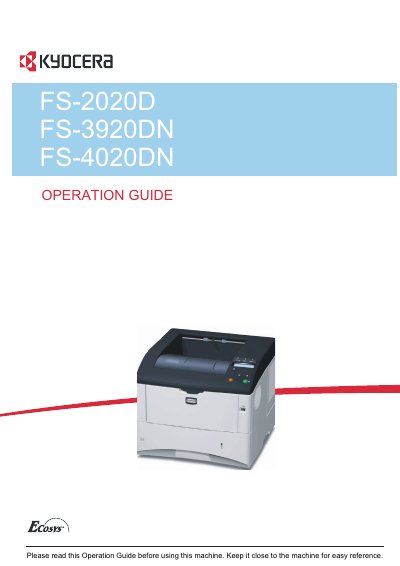
This Operation Guide provides step-by-step instructions for loading paper, connecting the printer, printing, replacing toner, and performing maintenance. It also includes troubleshooting tips and safety information. The guide covers both inch and metric versions of the machines, with inch version details shown in the text. Additional guides for advanced operation and installation are included with the machine.
The printer is factory-set to emulate the PCL emulation mode.
You have the right to use the fonts on up to three printers.
You may return the device for a full refund within 14 days after your acquisition of the device.