
The Kyocera ECOSYS M2040dn Quick Start Guide provides basic instructions on how to use the printer, including how to print, how to print duplex, and how to make copies.
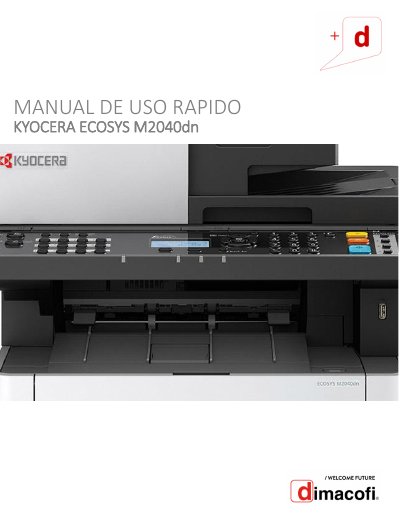
This document is a quick start guide for the Kyocera ECOSYS M2040dn multifunction printer. It provides step-by-step instructions in Spanish for basic operations including printing from an application, making copies, and scanning documents to email or a network folder. The guide also explains how to replace the toner cartridge. This manual is written in Spanish.
The SMTP and E-mail values must be configured on the multifunction machine before an email is sent.
In the print settings, select the Basic tab, click duplex or two-sided printing, and click Accept.
Open the Scan application on the control panel home screen, select Scan to folder, enter the destination information, and press OK.
Place the used toner cartridge in a plastic bag, remove the new toner cartridge from its package, and put the used cartridge in it for recycling.