
Key facts
- Brand
- Konica Minolta
- Model
- bizhub C35
- Category
- Printer
- Documents
- 4
- Languages
- EN · ZH
- Last added
- 2012-03-28
Start here
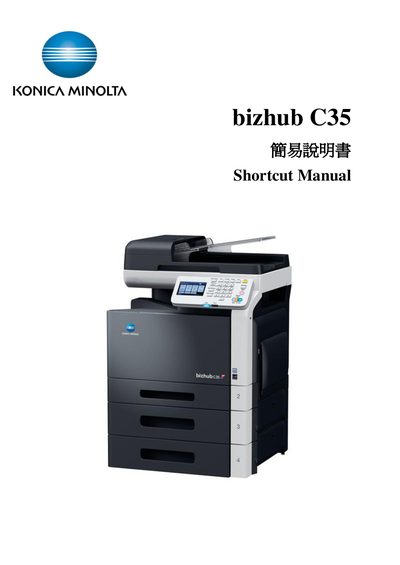
Konica Minolta bizhub C35 Simple User Manual
This manual introduces the essential functions of the bizhub C35, including how to use the control panel, start copy jobs, and access common features such as Power Save, Fax, Email, and Folder shortcuts. It guides users through basic operations like selecting copy mode, adjusting settings, and starting a job.
Additional sections cover paper handling, zoom settings, duplex and combine options, density and original type adjustments, finishing functions, proof copy, separate scan, and ID copy features. The guide also lists contact information for technical support and service hotlines.
Konica Minolta bizhub C35 specifications
| Supported paper weight (plain) | 60 to 90 g/m² |
|---|---|
| Supported paper weight (Thick 1) | 91 to 150 g/m² |
| Supported paper weight (Thick 2) | 151 to 210 g/m² |
| Zoom ratio range | 25.0% to 400.0% |
All Konica Minolta bizhub C35 documents by type
Day-to-day operation, settings and troubleshooting. Start here if the product is already set up.
Questions answered in these manuals
What is the purpose of a proof copy?
A proof copy lets you preview a large job by printing a single copy before the full run.
Which print languages does the bizhub C35P support?
It supports PostScript 3, PCL 6, PCL 5e, XPS, PDF 1.7, JPEG and TIFF.
What is the recommended monthly print volume for this printer?
The recommended monthly print load is 1,300 pages.
How do I select Auto Color mode?
Choose Auto Color from the Color Mode menu.
How can I set a custom paper size?
Select Custom Size in the Paper Settings menu and enter the desired dimensions.