
Key facts
- Brand
- Konica Minolta
- Model
- G400
- Category
- Digital cameras
- Industry
- Electronics
- Documents
- 2
- Languages
- EN
- Last added
- 2012-03-23
Start here
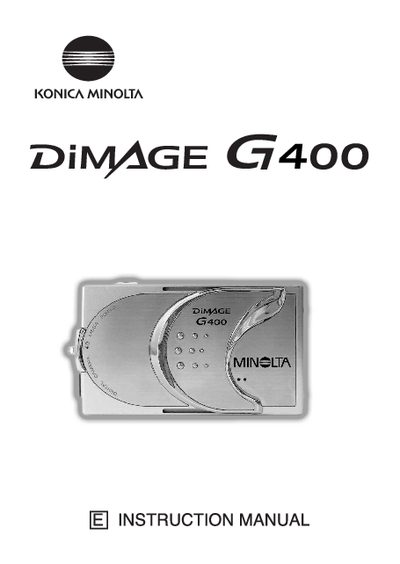
Konica Minolta G400 Digital Camera User Manual
This manual guides users through getting started with the G400, covering safety precautions, basic operation, and essential functions such as taking pictures, using the viewfinder, and playback. It also explains how to attach accessories, charge the battery, and connect the camera to a PC.
Advanced sections describe shooting menus, flash and macro modes, ISO settings, manual exposure, and video/voice recording. Additional chapters cover camera settings, software installation, troubleshooting, care and storage, and the main technical specifications of the camera.
Konica Minolta G400 specifications
| Dimensions (W × H × D) | 93.5 mm × 55.5 mm × 23 mm |
|---|---|
| Weight | 145 g |
| Operating Temperature | 0 °C to 50 °C |
Source: Konica Minolta G400 User Manual
All Konica Minolta G400 documents by type
Day-to-day operation, settings and troubleshooting. Start here if the product is already set up.
Questions answered in these manuals
What should I do if the camera becomes hot during extended use?
The camera body may become hot, but this does not indicate a fault; avoid prolonged contact with skin.
How can I protect important images from accidental deletion?
Use the menu option to set or cancel protection for your important images.
What are the dimensions of the G400 camera?
The camera measures 93.5 mm wide, 55.5 mm high, and 23 mm deep.
How much does the G400 camera weigh?
The camera weighs approximately 145 grams.