
Key facts
- Brand
- Konica Minolta
- Model
- magicolor 7440
- Category
- Printer
- Documents
- 2
- Languages
- ZH · EN
- Last added
- 2012-03-16
Start here
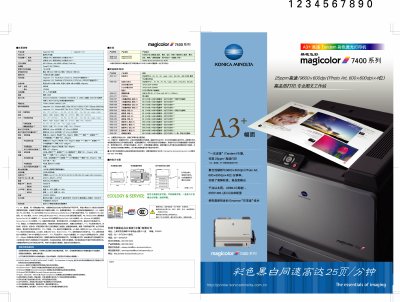
Konica Minolta magicolor 7440 User Manual
This manual describes the magicolor 7440 color laser printer, covering its high‑speed 25 ppm printing, 9600 × 600 dpi resolution, and flexible paper handling options from A4 to A3+. It outlines the printer’s hardware features such as 256 MB standard memory (expandable to 1 GB), USB 2.0, IEEE 1284 and Gigabit Ethernet interfaces, and power consumption of less than 1.45 W standby.
The document also includes safety precautions, recommended operating environments, consumable information, and troubleshooting guidance. Installation steps, network configuration, and software compatibility with Windows and PictBridge devices are provided to help users set up and maintain the printer efficiently. This manual is written in Chinese.
All Konica Minolta magicolor 7440 documents by type
Day-to-day operation, settings and troubleshooting. Start here if the product is already set up.
Mounting, wiring and first power-up. Read it before the hardware goes in.
Questions answered in these manuals
Can I use non‑original toner cartridges?
Using non‑original toner may affect the printer’s stability and can cause performance issues.
What is the maximum print speed of the magicolor 7440?
The printer can print up to 25 pages per minute in both color and black‑white mode.
Are interface cables included with the magicolor 7440?
No, the interface cables are not included in shipment.
How do I install the printer driver on a Windows PC?
Insert the magicolor 7440 Software Utilities CD, run the installer, follow the on‑screen prompts, and then configure the printer preferences in Windows.