
Key facts
- Brand
- Konica Minolta
- Model
- 1680MF
- Documents
- 3
- Languages
- ZH
- Last added
- 2012-03-16
Start here
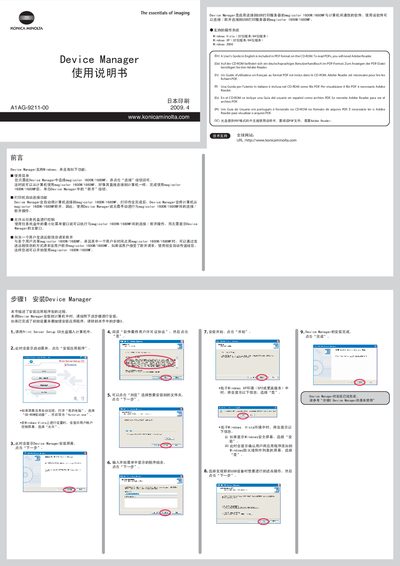
Konica Minolta Device Manager User Manual
This manual describes the installation process for the Device Manager software, which enables communication between a computer and Konica Minolta magicolor 1600W/1680MF printers through a USB print server. It covers supported Windows operating systems, basic usage steps, and optional features such as automatic connection and application launch.
The guide also provides troubleshooting tips, remote disconnect requests, and instructions for handling multiple users sharing the same printer. All steps are illustrated with screenshots and include multilingual notes for English, Chinese, German, French, Italian, Spanish, Portuguese, and Japanese users. This manual is written in Chinese.
All Konica Minolta 1680MF documents by type
Ratings, dimensions and ordering codes, for selection and design work.
Mounting, wiring and first power-up. Read it before the hardware goes in.
Day-to-day operation, settings and troubleshooting. Start here if the product is already set up.
Questions answered in these manuals
When should I connect the USB cable to the printer?
Do not connect the USB cable until the guide instructs you to do so; it should be connected after driver installation.
From: Konica Minolta magicolor 1680MF Printer Installation Guide
What power voltages does the magicolor 1680MF support?
The printer can operate on 120 V AC (50/60 Hz) or 220‑240 V AC (50/60 Hz) depending on the region.
From: Konica Minolta magicolor 1680MF Printer Installation Guide
Can Device Manager automatically connect the printer after a print job?
Yes, enable the “automatic connection” option in the printer’s properties so the software connects, prints, and then disconnects automatically.