
Key facts
- Brand
- Konica Minolta
- Model
- magicolor 8650
- Category
- Printer
- Documents
- 3
- Languages
- ZH
- Last added
- 2012-03-16
Start here
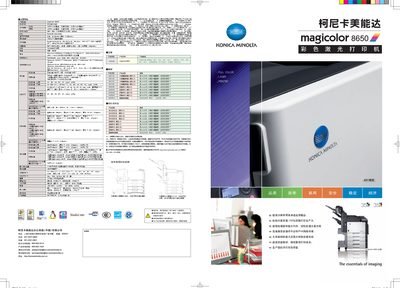
Konica Minolta magicolor 8650 User Manual
The magicolor 8650 is a high‑speed, high‑resolution color laser printer designed for office environments. It offers 35 ppm printing for A4 portrait and double‑sided jobs, supports a wide range of media, and includes advanced security and network capabilities.
The document covers product specifications, paper handling, installation, network setup, supported operating systems, and security functions such as IC‑card authentication and password‑protected printing. This manual is written in Chinese.
Konica Minolta magicolor 8650 specifications
| Print speed (A4 portrait) | 35 ppm |
|---|---|
| Print speed (A4 double‑sided) | 35 ppm |
| Memory | 1024 MB |
| Maximum power consumption | 1500 W |
| Average power consumption (printing) | 900 W |
| Maximum paper capacity | 3 650 sheets |
| Weight | ≈79 kg |
| Network interface | Ethernet 10/100/1000Base‑T |
| USB interface | USB 2.0 High‑Speed |
All Konica Minolta magicolor 8650 documents by type
Day-to-day operation, settings and troubleshooting. Start here if the product is already set up.
Mounting, wiring and first power-up. Read it before the hardware goes in.
Questions answered in these manuals
What is the print speed of the magicolor 8650?
The printer can print at 35 pages per minute for A4 portrait and also 35 ppm when printing double‑sided on A4.
How much paper can the magicolor 8650 hold?
It can hold up to 3 650 sheets with the standard paper trays, and larger capacity trays are available for even more sheets.
How should the printer be transported before installation?
Use a transportation company or a service representative to transport the printer and remove it from its packaging.
What safety guide should be consulted before setting up the printer?
Consult the Safety Information Guide for safety information before installing the printer.
What is the maximum paper capacity of the magicolor 8650?
The printer can hold up to 3,650 pages of paper.
How can secure printing be enabled on this device?
Secure printing can be enabled by installing authentication components such as AU‑101, AU‑201 and optional IC‑card modules.