
This is a Chinese Quick Start Guide, introduces how to use the bizhub C351 / C450
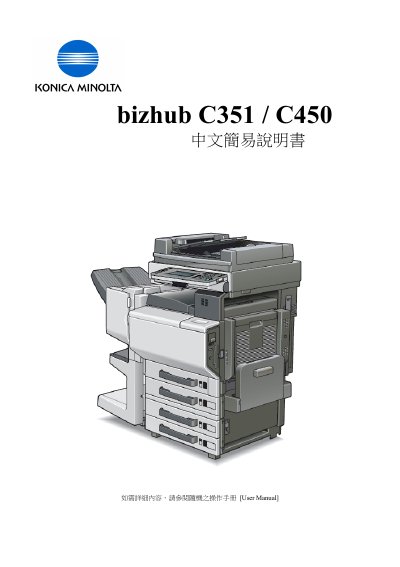
This manual explains how to operate the bizhub C351 and C450 printers, covering everything from initial setup to advanced features. It includes step‑by‑step procedures for configuring color modes, paper trays, zoom functions, simplex/duplex printing, and special applications such as OHP and poster mode.
Key sections guide users through basic settings, paper handling, image insertion, book copying, and page‑margin adjustments, as well as utility functions like one‑touch programming and group dialing. The document is intended for end users who need to perform routine printing tasks and adjust printer options. This manual is written in Chinese.