
This document is a shortcut manual for bizhub C35 2, providing an overview of the control panel and instructions on how to use the copy function, including color settings and paper size/type settings.
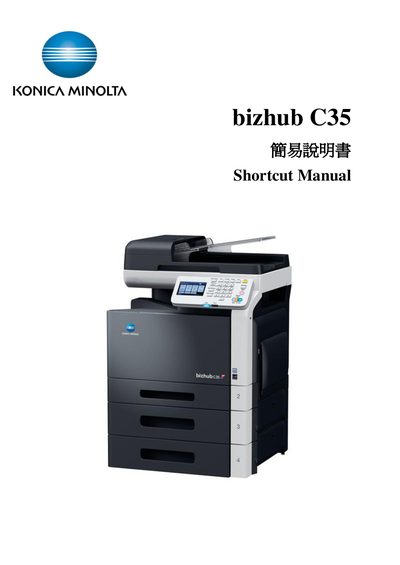
This manual introduces the essential functions of the bizhub C35, including how to use the control panel, start copy jobs, and access common features such as Power Save, Fax, Email, and Folder shortcuts. It guides users through basic operations like selecting copy mode, adjusting settings, and starting a job.
Additional sections cover paper handling, zoom settings, duplex and combine options, density and original type adjustments, finishing functions, proof copy, separate scan, and ID copy features. The guide also lists contact information for technical support and service hotlines.
| Supported paper weight (plain) | 60 to 90 g/m² |
|---|---|
| Supported paper weight (Thick 1) | 91 to 150 g/m² |
| Supported paper weight (Thick 2) | 151 to 210 g/m² |
| Zoom ratio range | 25.0% to 400.0% |
A proof copy lets you preview a large job by printing a single copy before the full run.