
Key facts
- Brand
- Konica Minolta
- Model
- E323
- Category
- Digital cameras
- Documents
- 2
- Languages
- EN · ZH
- Last added
- 2012-03-23
Start here
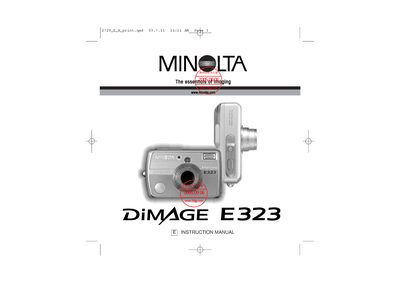
Minolta DIMAGE E323 Digital Camera Instruction Manual
This manual guides you through getting the Minolta DIMAGE E323 ready for use, including battery installation, attaching the hand strap, and inserting a memory card. It also explains power options such as AA/ Ni‑MH batteries, a CR‑V3 lithium cell, or the optional AC‑7/AC‑7E adapter.
Detailed sections cover menu navigation, recording modes, flash operation, playback functions, and troubleshooting. Safety warnings, care instructions, and regulatory compliance information are included to ensure safe and reliable use.
Konica Minolta E323 specifications
| Battery type | AA alkaline or Ni‑MH (CR‑V3) |
|---|---|
| USB interface | USB connector for data transfer |
| AC adapter model | AC‑7 or AC‑7E |
Source: KONICA MINOLTA E323smxj Manual
All Konica Minolta E323 documents by type
Day-to-day operation, settings and troubleshooting. Start here if the product is already set up.
Questions answered in these manuals
How do I insert a memory card?
Open the battery‑chamber door, insert the SD or MMC card fully into the slot with the face toward the front, then close the door.
Which AC adapters are compatible with the camera?
The optional AC‑7 adapter is for North America and Taiwan, while the AC‑7E adapter works in all other regions.
Which batteries can be used with the DiMAGE E323?
Only AA alkaline or Ni‑MH (CR‑V3) batteries specified in the manual may be used.
How should the camera be powered for long‑term use?
Use the AC‑7 or AC‑7E AC adapter, or install the approved batteries.