
Key facts
- Brand
- Konica Minolta
- Model
- C25
- Category
- Printer
- Industry
- Computers
- Documents
- 3
- Languages
- ZH
- Last added
- 2012-03-28
Start here
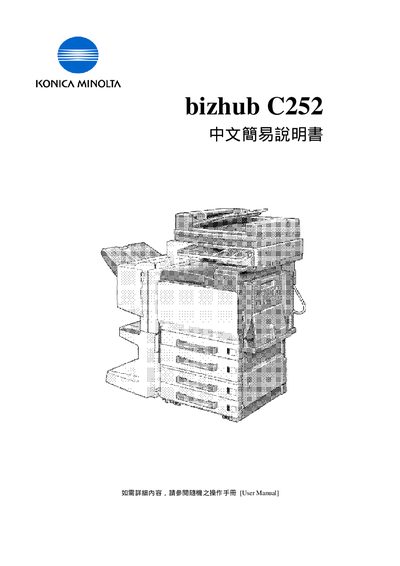
KONICA MINOLTA bizhub C252 easy Manual
This guide introduces the main functions of the bizhub C24S2, including the control panel keys, basic copy operations, paper handling, and common settings such as color mode, zoom, and duplex printing. It provides step‑by‑step instructions for selecting paper trays, adjusting copy size, and using special features like cover sheet insertion.
Additional sections cover how to view usage counters, contact information for sales and service support in Hong Kong, and quick references for common tasks such as changing paper size, setting zoom ratios, and selecting simple or duplex copy modes. This manual is written in Chinese.
Konica Minolta C25 specifications
| Color mode options | Auto Color, Full Color, Black, 2 Color |
|---|---|
| Paper size input | Custom dimensions (e.g., 90 mm) |
| Copy mode | Simplex (single‑sided) or Duplex (double‑sided) |
All Konica Minolta C25 documents by type
The shortest path to a working setup, usually only a few pages.
Day-to-day operation, settings and troubleshooting. Start here if the product is already set up.
Questions answered in these manuals
How do I select a paper size?
Press the Basic menu, choose Paper, select the desired tray or manual feed, then use Change Tray Settings to pick a standard size or enter custom dimensions (e.g., 90 mm).
How do I set the copier to print double‑sided?
Select Simplex/Duplex from the menu and choose Duplex to produce double‑sided copies.
How can I enable double‑sided printing?
Choose the Simplex / Duplex option in the print settings.
How do I adjust the zoom level on the screen?
Use the Zoom function in the menu to set the desired zoom.
What is the maximum print speed for A4 color pages?
The bizhub C25 can print up to 24 color pages per minute on A4 paper.
Which network protocols are supported by the bizhub C25?
It supports TCP/IP, IPX, EtherTalk, Netware, IPP and other common protocols.