
This document is a Chinese simplified instruction manual for the Konica Minolta C352 copier, which introduces how to set color, change paper size, adjust zoom ratio, set interleaving pagination, select single or double-sided printing, combine originals, adjust quality and density.
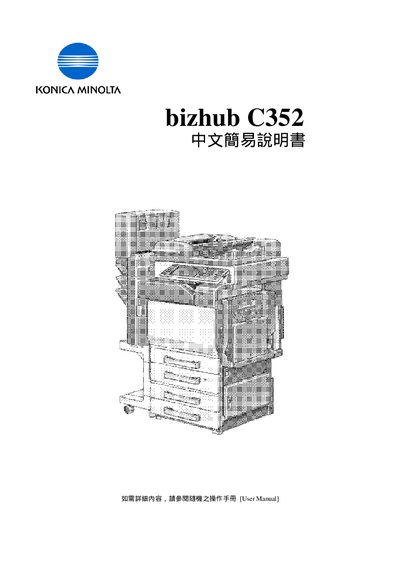
This manual provides step‑by‑step instructions for using the Konica Minolta bizhub C352 printer. It covers basic setup, color mode selection, paper handling, zoom functions, and duplex printing.
Additional sections describe advanced features such as OHP applications, sheet insertion, book copy, image repeat, and utility functions like address book and counter settings. This manual is written in Chinese.
| Resolution settings | Std., Fine, Super Fine, Ultra Fine |
|---|---|
| Duplex printing | Simplex, Duplex |
Choose Auto Color from the Color Mode menu.
Select Custom Size in the Paper Settings menu and enter the desired dimensions.
Scanning can be set to Std., Fine, Super Fine, or Ultra Fine resolution.
Select Duplex mode in the Simplex/Duplex settings.