
Key facts
Start here
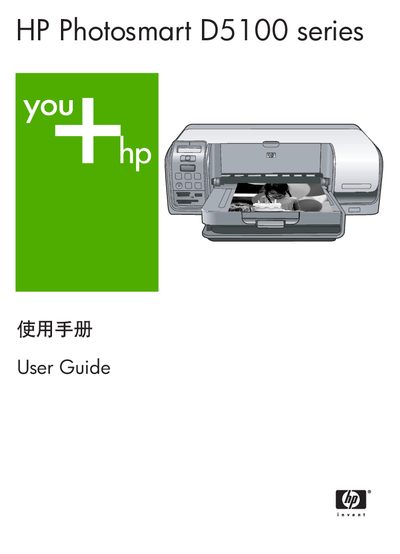
HP Photosmart D5100 Series User Guide
This guide introduces the HP Photosmart D5100 Series printer, covering basic operation, loading paper and ink cartridges, and printing from memory cards, cameras, Bluetooth devices, iPods, computers, and CD/DVD media. It also provides step‑by‑step instructions for selecting layouts, adjusting settings, and using the control panel.
Additional sections cover routine maintenance, cleaning procedures, troubleshooting common issues such as paper jams, Bluetooth connectivity, and print quality problems, as well as technical specifications, warranty information, and how to obtain HP support. This manual is written in Chinese.
HP D5100 specifications
| Supported Windows operating systems | Windows 98, 2000 Professional, Me, XP Home, XP Professional |
|---|---|
| Processor requirement | Intel® Pentium® II (or equivalent) or higher |
| Minimum RAM | 128 MB |
| Supported photo paper size | 10 × 15 cm (4 × 6 in) |
| USB connectivity | USB 2.0 full‑speed |
All HP D5100 documents by type
Day-to-day operation, settings and troubleshooting. Start here if the product is already set up.
Questions answered in these manuals
How do I load paper into the HP D5100 Series printer?
Open the main tray and place the paper inside; the main tray is labeled "Load paper here."
What does a flashing red indicator light mean?
A flashing red light (the Attention indicator) signals an error or that user action is required.
How do I insert a memory card into the printer?
Insert the memory card into the memory card and PictBridge camera slot on the printer.
What does a flashing red light on the printer indicate?
A flashing red light means an error has occurred or the printer requires user action.