
Key facts
Start here
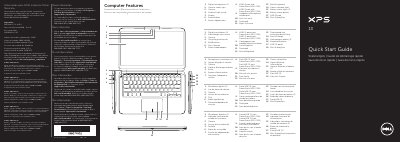
Dell XPS L321X/XPS L322X Quick Start Guide
This quick start guide covers initial setup for the Dell XPS L321X and XPS L322X laptops, including connecting the power adapter, pressing the power button, completing Windows setup, and checking wireless status.
It also identifies computer features, function keys, service tag and regulatory label location, support contact information, and power adapter specifications listed in the NOM information.
Dell XPS L322X specifications
| Regulatory model | P29G |
|---|---|
| Type | P29G001/P29G002 |
| Computer model | XPS L321X/XPS L322X |
| Input voltage | 100 to 240 VAC |
| Input current (maximum) | 1.30 A |
| Input frequency | 50 to 60 Hz |
| Output current (nominal) | 2.31 A |
| Output voltage (nominal) | 19.50 VDC |
All Dell XPS L322X documents by type
The shortest path to a working setup, usually only a few pages.
Day-to-day operation, settings and troubleshooting. Start here if the product is already set up.
Questions answered in these manuals
How do I contact Dell support?
Go to dell.com/ContactDell; customers in the United States can call 800-WWW-DELL (800-999-3355).
Where can I find more information about laptop features?
Click Start, then All Programs, then Dell Help Documentation, or go to support.dell.com/manuals.
What is the regulatory model number of the Dell XPS L321X/XPS L322X?
The regulatory model is P29G.
What is the input voltage range listed for the device?
The input voltage range is 100 to 240 VAC.
What symbol should not be used in the Windows password?
Do not use the @ symbol in your password.
Where can I find the Service Tag?
The Service Tag is located on the regulatory label of the device.