
User manual for Dell laptop.
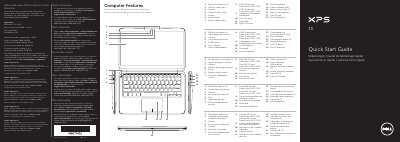
This document serves as a Quick Start Guide for Dell XPS L321X and XPS L322X laptops. It provides essential information regarding regulatory compliance, including input voltage and current specifications, and lists key features such as digital microphones, a camera, and a backlit keyboard. The guide includes a visual diagram labeling ports like USB 3.0, Mini-DisplayPort, and the headphone/microphone combo port.
| Input Voltage | 100 to 240 VCA |
|---|---|
| Input Current (Max) | 1.30 A |
| Input Frequency | 50 to 60 Hz |
| Output Voltage | 19.50 VCC |
Do not use the @ symbol in your password.
The Service Tag is located on the regulatory label of the device.