
The user manual for a Dell laptop.
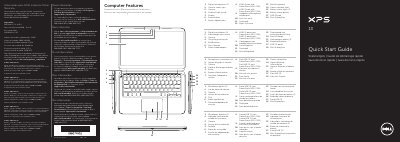
This is a multilingual quick start guide for the Dell XPS L321X and XPS L322X laptops. It identifies computer features and outlines initial setup steps such as connecting power, starting Windows, and checking wireless status.
The guide also explains function-key shortcuts, shows where to find the Service Tag and regulatory label, and lists support and documentation resources. Regulatory and power-adapter details for model P29G are included.
| Regulatory model | P29G |
|---|---|
| Input voltage | 100 to 240 VAC |
| Input current (maximum) | 1.30 A |
| Input frequency | 50 to 60 Hz |
| Output current (rated) | 2.31 A |
| Output voltage (rated) | 19.50 VDC |
The regulatory model is P29G.
The input voltage range is 100 to 240 VAC.
Dell directs users to Dell Help Documentation or support.dell.com/manuals.
Use dell.com/ContactDell; customers in the United States can call 800-WWW-DELL (800-999-3355).