
Key facts
Start here
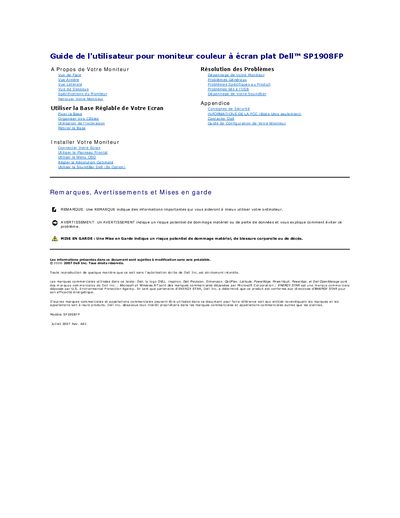
Dell SP1908FP Flat Panel Color Monitor User's Guide
This user guide is for the Dell SP1908FP flat panel color monitor. It is written in French and describes the monitor's front, rear, bottom and side views, specifications, cleaning, adjustable base, setup, front panel and OSD menu use, optimal resolution, optional Dell SoundBar, troubleshooting and appendix topics.
The guide includes monitor specifications such as a 19-inch active-matrix LCD panel, 1280 x 1024 optimal resolution, USB connectivity and power-management information, plus safety, FCC and contact information.
Dell SP1908FP specifications
| Screen Type | Active Matrix - TFT LCD |
|---|---|
| Screen Size | 19 inches |
| Best Preset Resolution | 1280 x 1024 (60 Hz) |
| Brightness | 300 CD/m² |
| Contrast Ratio | 800:1 |
| Response Time | 5ms |
| Operating Temperature | 5° to 35°C |
All Dell SP1908FP documents by type
Day-to-day operation, settings and troubleshooting. Start here if the product is already set up.
Questions answered in these manuals
What is the best preset resolution for this monitor?
The best preset resolution is 1280 x 1024 at 60 Hz.
Does this monitor support DVI input?
Yes, it supports a 24-pin pure digital DVI interface.
What is the optimal preset resolution for this monitor?
The optimal preset resolution is 1280 x 1024 at 60 Hz.
What are the power consumption levels in different modes?
Normal operation is 35 W (typical), Active-off mode is less than 2 W, and Switch off is less than 1 W.
What is the optimal preset resolution of the Dell SP1908FP?
The optimal preset resolution is 1280 x 1024 at 60 Hz.
How many downstream USB ports does the monitor have?
It has four downstream USB ports: two on the rear and two on the left side.