
Key facts
Start here
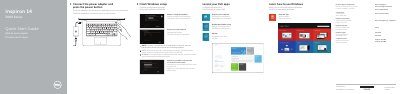
Dell Inspiron 14-3451/3458 Quick Start Guide
This Quick Start Guide covers the initial setup process for the Dell Inspiron 14-3451 and Inspiron 14-3458 laptops. It instructs users to connect the power adapter, press the power button, and complete the Windows setup. The guide also directs users to register their computer and access support via dell.com/support.
Read onlineDell Inspiron 14-3451 specifications
| Computer Model | Inspiron 14–3451 |
|---|---|
| Regulatory Model | P60G |
| Regulatory Type | P60G002 |
Source: Dell Inspiron 14 3000 Series Inspiron 14–3451 Service Manual
All Dell Inspiron 14-3451 documents by type
The shortest path to a working setup, usually only a few pages.
Disassembly, diagnostics and part numbers, for repair.
Questions answered in these manuals
What computer model does this service manual cover?
It covers the Inspiron 14–3451 computer model.
From: Dell Inspiron 14 3000 Series Inspiron 14–3451 Service Manual
How do you flash the BIOS?
Go to dell.com/support, enter the Service Tag, select BIOS under Drivers & downloads, then download and run the update file.
From: Dell Inspiron 14 3000 Series Inspiron 14–3451 Service Manual