
Key facts
Start here
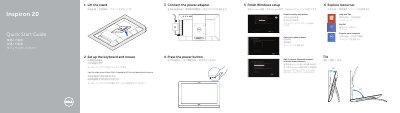
Dell Inspiron 20 Model 3043 All-in-One Desktop Quick Start Guide
Quick Start Guide 2 pages · 259 KB · EN
The Dell Inspiron 20 Model 3043 is an all-in-one desktop computer. This guide provides basic instructions for initial hardware setup and Windows configuration.
It includes a visual map of the device's features, such as the camera, power button, and various input/output ports.
Dell Inspiron 20 Model 3043 specifications
| Regulatory model | W13B |
|---|---|
| Regulatory type | W13B001 |
| Ports | USB 2.0, HDMI-in, Network port, Headphone port |
Source: Dell Inspiron 20 Model 3043 All-in-One Desktop Quick Start Guide
All Dell Inspiron 20 Model 3043 documents by type
Quick Start Guide 1
The shortest path to a working setup, usually only a few pages.
Service Manual 2
Disassembly, diagnostics and part numbers, for repair.
Questions answered in these manuals
What safety precaution should be taken before touching internal computer components?
You must touch an unpainted metal surface, such as the back of the computer, to discharge static electricity before touching anything inside.
How long should you hold the power button after unplugging the computer?
You should press and hold the power button for about 5 seconds to ground the system board.