
Key facts
Start here
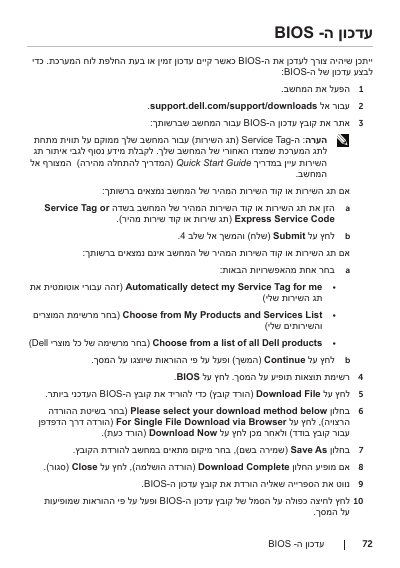
Dell XPS 14 BIOS Update Guide
This guide provides step-by-step instructions for users to update the BIOS on their Dell XPS 14 laptop. The process involves accessing the Dell Support website, entering the Service Tag or Express Service Code, and downloading the appropriate BIOS file.
Read onlineDell XPS 14 specifications
| Model | XPS L421X |
|---|---|
| Regulatory Model | P30G |
| Regulatory Type | P30G001 |
| Recommended Tool | T5 Torx screwdriver |
All Dell XPS 14 documents by type
Day-to-day operation, settings and troubleshooting. Start here if the product is already set up.
Disassembly, diagnostics and part numbers, for repair.
Questions answered in these manuals
How do I find my BIOS update?
You can find your update by entering your Service Tag or Express Service Code on the Dell Support website.
What if I don't have my Service Tag?
You can choose from a list of all Dell products to find the correct update for your device.
What is the specific model of the Dell XPS 14 covered in this guide?
The guide applies to the Dell XPS 14 model with the specific model number XPS L421X.
What is the date of the BIOS update provided in this document?
The BIOS update listed in this document was released on June 2012.
Where is the service tag located on the Dell XPS 14?
The service tag is located on the label under the system badge on the back of the computer.
What static electricity precautions should be taken before touching internal components?
Disconnect all power, then touch an unpainted metal surface of the computer to discharge static electricity before and during operations.