
Key facts
Start here
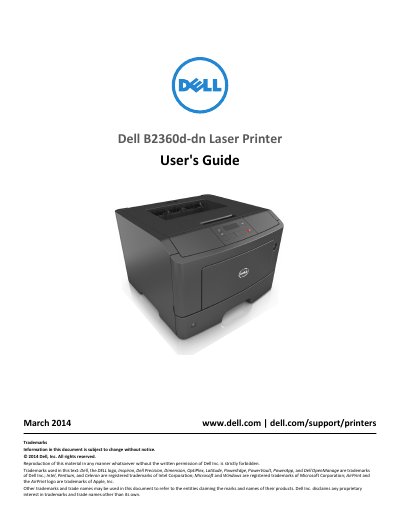
Dell B2360d-dn Laser Printer User's Guide
This document serves as the official User's Guide for the Dell B2360d-dn Laser Printer. It covers essential topics such as safety information, initial setup, selecting a proper location, and configuring printer settings via the control panel or Embedded Web Server. The guide also details how to load paper and specialty media, manage print jobs, and use the printer on a network.
Read onlineDell B2360d-dn specifications
| Ambient temperature | 16 to 32°C (60 to 90°F) |
|---|---|
| Storage temperature | -20 to 40°C (-4 to 104°F) |
| Front clearance | 510 mm (20 in.) |
| Rear clearance | 200 mm (8 in.) |
All Dell B2360d-dn documents by type
Day-to-day operation, settings and troubleshooting. Start here if the product is already set up.
Questions answered in these manuals
Where can I find the latest driver downloads and technical support?
You can find the latest supplemental information, updates, and technical support on the Dell support Web site at www.dell.com/support/printers.
What information should I have ready when contacting Dell support?
You should have the Service tag and Express service Code ready, as they appear on labels located on your printer.
Where can I find the latest driver downloads and updates?
You can find the latest supplemental information, updates, and technical support on the Dell support Web site at www.dell.com/support/printers.
What information is needed to contact technical support?
You must have the Service tag and Express service Code ready, which appear on labels located on your printer.