
This document is the Dell Latitude D620 User's Guide, which provides information on how to find information, use the system setup program, reinstall software, add and replace parts, use the keyboard, utilize Dell QuickSet features, use multimedia, travel with the computer, use a network, specifications, use cards, secure the computer, troubleshoot, and more.
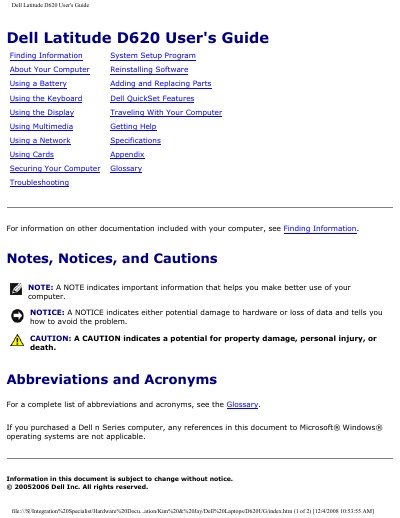
This guide covers everything you need to know to get started with the Dell Latitude D620 notebook, including system setup, hardware configuration, and software installation. It explains how to use the keyboard, display, battery, multimedia features, and network connectivity, and provides detailed troubleshooting steps for common issues.
The document also contains a full specifications section that lists the processor options, memory capacities, ports, and other hardware details, as well as safety and regulatory information. It serves both end‑users and technicians who need to maintain or repair the laptop.
| Processor types | Intel® Core™ Solo and Intel Core Duo |
|---|---|
| L1 cache | 64 KB |
| L2 cache | 2 MB |
| External bus frequency | 667 MHz |
| System chipset | Intel 945GM or 945PM |
| Maximum memory | 4 GB |
| Memory type | 533/667 MHz DDRII SDRAM |
| USB ports | Four USB 2.0‑compliant connectors |
| PC Card connector | One 80‑pin CardBus connector (supports Type I or II) |
Turn on the computer and press
It supports Intel® Core™ Solo and Intel Core Duo processors.
The Latitude D620 can be configured with up to 4 GB of DDRII SDRAM.