
Key facts
- Brand
- DELL
- Model
- Latitude 3460 Wyse TC
- Documents
- 2
- Languages
- EN
- Last added
- 2023-11-24
Start here
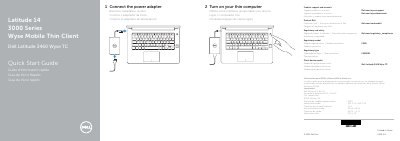
Dell Latitude 3460 Wyse TC Quick Start Guide
Quick Start Guide 2 pages · 112 KB · EN
This document is the Quick Start Guide for the Dell Latitude 3460 Wyse Thin Client. It provides instructions on how to connect the power adapter and turn on the device, along with contact information for support and regulatory details.
Read onlineDell Latitude 3460 Wyse TC specifications
| Input Voltage | 100 V CA–240 V CA |
|---|---|
| Input Current (max) | 2,5 A |
| Input Frequency | 50 Hz–60 Hz |
| Output Current | 4,62 A – 6,7 A |
| Output Voltage | 19,5 V DC |
| USB 3.0 Ports | 2 |
All Dell Latitude 3460 Wyse TC documents by type
User Manual 1
Day-to-day operation, settings and troubleshooting. Start here if the product is already set up.
Quick Start Guide 1
The shortest path to a working setup, usually only a few pages.
Questions answered in these manuals
What is the regulatory model number?
The regulatory model number is P63G.
Where can I find product support and manuals?
Support and manuals are available at Dell.com/wyse/support and Dell.com/wyse/downloads.
What is the regulatory model number for this device?
The regulatory model number is P63G.
Where can I find product support and manuals?
You can find support and manuals at Dell.com/wyse/support and Dell.com/wyse/downloads.