
Key facts
- Brand
- DELL
- Model
- 3335DN
- Category
- All-in-one printer
- Industry
- Computers
- Documents
- 3
- Languages
- EN · JA
- Last added
- 2012-05-03
Start here
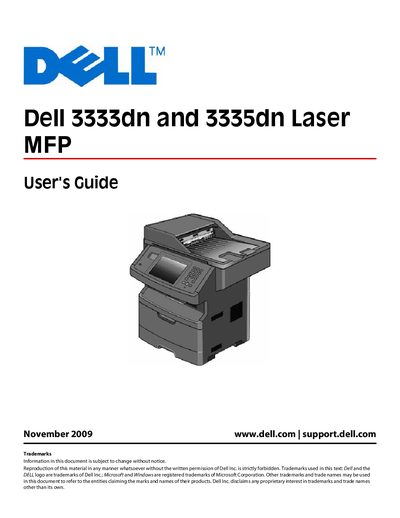
Dell 3333dn/3335dn Laser MFP User Guide
This Dell User's Guide covers the 3333dn and 3335dn Laser MFP printers. It includes safety information, hardware installation, internal options, and detailed instructions for configuring network, wireless, and serial connections. The guide also explains how to use the touch‑screen controls, ADF scanner, and printer menus.
Additional sections describe paper handling, tray linking, copy and fax functions, environmental settings, and troubleshooting tips. The document ends with an index and references to Dell support resources.
DELL 3335DN specifications
| Supported paper sizes | Various sizes |
|---|---|
| Network interface | TCP/IP |
| USB port | USB |
| Automatic Document Feeder | Available (ADF) |
| Duplex printing | Supported |
| Operating system support | Windows and Macintosh |
All DELL 3335DN documents by type
Day-to-day operation, settings and troubleshooting. Start here if the product is already set up.
Questions answered in these manuals
How do I set up wireless printing on the Dell 3333dn/3335dn?
Follow the steps in the "Setting up wireless printing" section, which provides the information needed to connect the printer to a wireless network and install the software.
How can I link or unlink printer trays?
Use the "Linking ANd UNLINKING trays" procedure described in the guide to assign or release trays and customize paper type names.
How do I install the printer on Windows?
Follow the installation steps for Windows as described in the manual.
How do I install the printer on Macintosh?
Use the Macintosh installation instructions provided in the manual.