
Key facts
- Brand
- DELL
- Model
- 1702FP
- Documents
- 2
- Languages
- ZH
- Last added
- 2011-10-07
Start here
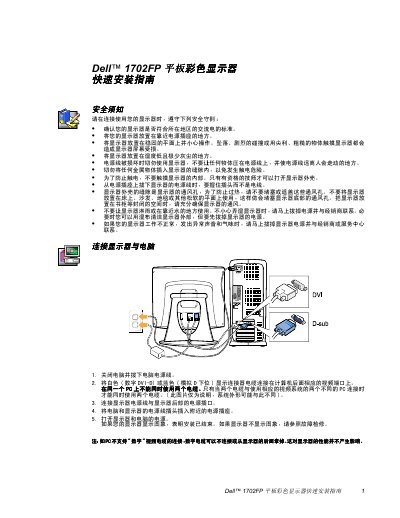
Dell 1702FP Flat Color Display Quick Installation Guide
This guide explains safety precautions and how to connect the Dell 1702FP flat color display to a computer. It also describes the monitor controls and indicators and how to install display drivers.
Driver installation instructions are provided for Microsoft Windows Millennium, Windows 2000, and Windows 98 using the monitor CD. This manual is written in Chinese.
All DELL 1702FP documents by type
Day-to-day operation, settings and troubleshooting. Start here if the product is already set up.
The shortest path to a working setup, usually only a few pages.
Questions answered in these manuals
How do I connect the Dell 1702FP monitor to a computer?
Close the computer and unplug its power cord, connect the white DVI-D or blue analog display connector cable to the corresponding video port, connect the monitor power cord, plug in both power cords, then turn on the monitor and computer.
From: Dell 1702FP Flat Color Display Quick Installation Guide
Can both video cables be used on the same PC?
No, both cables cannot be used on the same PC; they can only be used simultaneously when connected to two different PCs using the corresponding video systems.
From: Dell 1702FP Flat Color Display Quick Installation Guide