
Dell 3333dn and 3335dn Laser MFP User Guide, introduces the configuration, installation, and usage of the printer
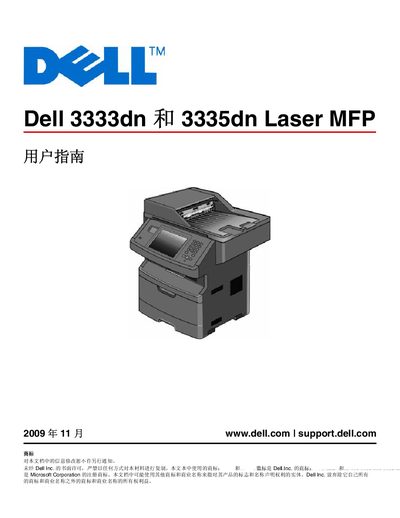
This manual provides step‑by‑step instructions for installing and configuring the Dell 3333dn and 3335dn laser MFPs on Windows and Macintosh systems. It covers hardware setup, driver installation, network configuration, and use of features such as the Automatic Document Feeder and duplex printing.
Additional sections address routine operation, paper handling, and troubleshooting common issues like print quality problems, paper jams, and connectivity errors. This manual is written in Japanese.
| Supported paper sizes | Various sizes |
|---|---|
| Network interface | TCP/IP |
| USB port | USB |
| Automatic Document Feeder | Available (ADF) |
| Duplex printing | Supported |
| Operating system support | Windows and Macintosh |
Follow the installation steps for Windows as described in the manual.
Use the Macintosh installation instructions provided in the manual.
Yes, the printer supports an ADF for external scanning and printing.
The printer supports duplex printing.