
Key facts
- Brand
- DELL
- Model
- 780-USFF
- Documents
- 3
- Languages
- EN
- Last added
- 2023-11-20
Start here
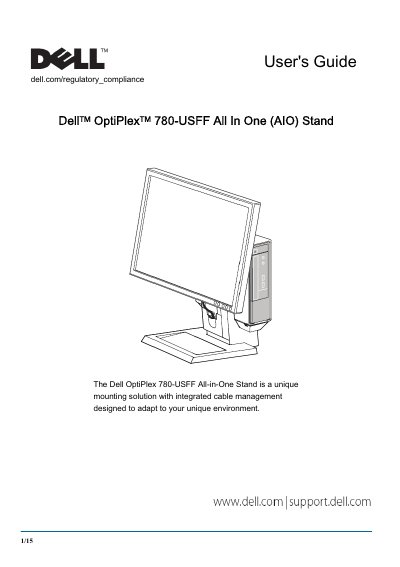
Dell OptiPlex 780-USFF All-in-One Stand User's Guide
User Manual 15 pages · 715 KB · EN
The Dell OptiPlex 780-USFF All-in-One Stand is a mounting solution designed to adapt to unique environments with integrated cable management. It supports specific Dell monitors and systems, featuring a swiveling base, cable trays, and security slots for Kensington locks. The stand includes provided VGA and USB cables to facilitate connection.
Read onlineDELL 780-USFF specifications
| Height | 15 inches (380 mm) |
|---|---|
| Depth | 9.6 inches (245 mm) |
| Width | 10.8 inches (275 mm) |
| Weight | 8.0 lbs (3.7 kg) |
| Operating Temperature | 32°F to 95°F (0°C to 35°C) |
| Input Power (100-120V) | 50/60 HZ, 3.5 A |
| Input Power (220-240V) | 50/60 HZ, 1.75 A |
Source: Dell OptiPlex 780-USFF All-in-One Stand User's Guide
All DELL 780-USFF documents by type
User Manual 2
Day-to-day operation, settings and troubleshooting. Start here if the product is already set up.
Questions answered in these manuals
What monitors are compatible with this stand?
The stand is compatible with Dell monitors P190S, 1909W, and P2210.
What security features does the stand include?
It includes a Kensington Security Slot that accepts standard Slim MicroSaver Padlock Rings and padlocks with a shaft diameter of 3-8 mm.