
Key facts
Start here
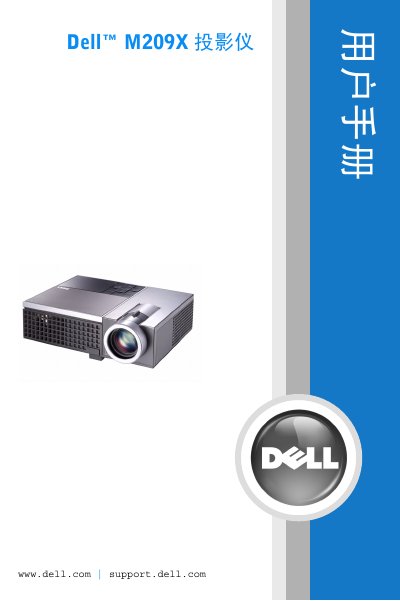
Dell M209X Projector User's Guide
This user guide for the Dell M209X projector explains the package contents and projector parts, and how to connect the projector to a computer or DVD player using VGA, S-Video, composite, component or HDMI cables. It also describes powering the projector on and off, adjusting the image, using the control panel and remote control, and navigating the on-screen menu.
The guide includes a troubleshooting section, guidance signals, lamp replacement instructions, specifications and a glossary, plus Dell contact information. This manual is written in Chinese.
DELL M209X specifications
| Light Valve | Single-chip 0.55" XGA DMD Type X, DarkChip2 |
|---|---|
| Brightness | 2000 ANSI Lumens (Max.) |
| Contrast Ratio | 1800:1 Typical (Full On/Full Off) |
| Number of Pixels | 1024 x 768 (XGA) |
| Power Consumption | 205 watts in full mode, 165 watts in eco mode |
| Weight | 2.6 lbs (1.18 kg) |
| Lamp | 165-watt user-replaceable 3000-hour lamp (up to 5000 hours in eco mode) |
All DELL M209X documents by type
Day-to-day operation, settings and troubleshooting. Start here if the product is already set up.
Questions answered in these manuals
What is the maximum brightness of the Dell M209X projector?
It is 2000 ANSI Lumens (Max.).
What cables are used to connect the projector to a computer?
Use the power cord, VGA to VGA cable, and USB to USB cable.
What is the native resolution of the Dell M209X projector?
The projector's native resolution is 1024 x 768 (XGA).
How bright is the Dell M209X projector?
Its maximum brightness is 2000 ANSI lumens.
What is the maximum brightness of the Dell M209X projector?
The maximum brightness is 2000 ANSI lumens.
Which video input connectors are listed for the projector?
The guide lists VGA, HDMI and S-video input connectors.