
Key facts
Start here
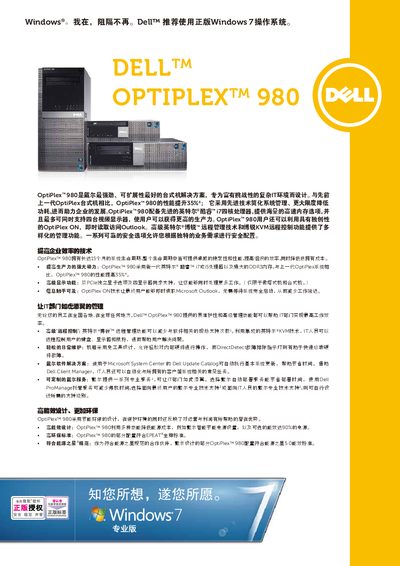
Dell OptiPlex 980 User Manual
The Dell OptiPlex 980 is presented as a high‑performance, highly expandable desktop designed for demanding IT environments. The manual describes its Intel® Core™ i7/i5 processors, DDR3 memory options, multiple display support, and advanced management features such as Intel® vPro and KVM remote control.
Technical specifications cover processor choices, memory slots, graphics options, storage configurations, power supplies, dimensions, weight, and I/O ports. The document also outlines environmental certifications, warranty options, and optional services for enterprise deployment. This manual is written in Chinese.
DELL OptiPlex 980 specifications
| Height (Mini Tower) | 15.8 in / 40.8 cm |
|---|---|
| Width (Mini Tower) | 7.4 in / 18.7 cm |
| Depth (Mini Tower) | 17.2 in / 43.3 cm |
| Chassis Weight (Mini Tower) | 25.3 lb / 11.6 kg |
| Chipset | Intel Q57 Express |
Source: Dell OptiPlex 980 Service Manual
All DELL OptiPlex 980 documents by type
Disassembly, diagnostics and part numbers, for repair.
Day-to-day operation, settings and troubleshooting. Start here if the product is already set up.
Questions answered in these manuals
Which chipset does the OptiPlex 980 use?
The OptiPlex 980 is built on the Intel Q57 Express chipset.
Which operating system does Dell recommend for the OptiPlex 980?
Dell recommends using a genuine Windows 7 operating system.
How many USB ports are available on the desktop version of the OptiPlex 980?
The desktop version provides eight USB 2.0 ports – two on the front and six on the rear.