
This manual introduces the features and usage of the Casio EX-Z60DX digital camera.
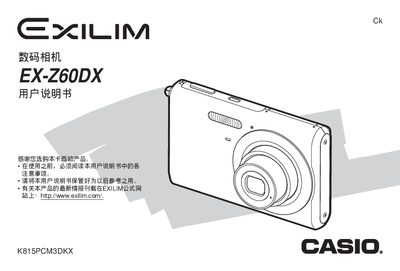
This manual provides step-by-step instructions for operating the Casio EX-Z60DX digital camera, including setup, shooting modes, playback, file management, and connectivity options. It also covers printing via DPOF, PictBridge, or USB, and compatibility with Windows and Mac systems. Technical specifications for the camera and its accessories are included in the appendix.
| Dimensions | 93.2 (W) x 60.6 (H) x 19.8 (D) mm |
|---|---|
| Weight | 118g (without battery and accessories) |
| Battery | NP-20 rechargeable battery |
| Battery Capacity | 700mAh |
| Operating Temperature | 0°C to 40°C |
| USB Base (CA-32) Weight | 61g |
| AC Adapter (AD-C52QG) Weight | 90g |
The camera can be connected via USB for transferring files to Windows or Mac systems.
The camera measures 93.2mm (width) x 60.6mm (height) x 19.8mm (depth).
The camera operates between 0°C and 40°C.