
This is a Quick Reference Guide, which is used to guide users to use Solution 880 CC408 product.
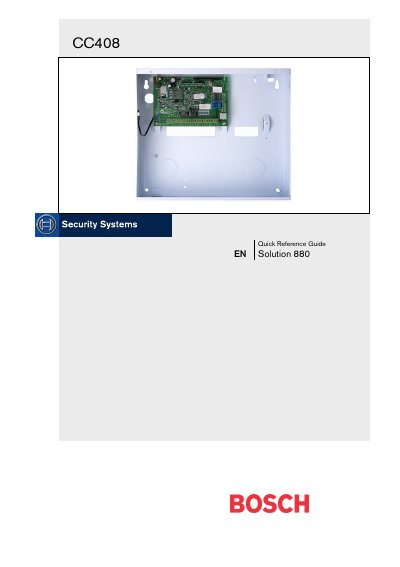
The Bosch CC408 is a flexible, reliable security control panel. This Quick Reference Guide gives installers and users the essential information needed to wire, configure and program the system.
The guide covers an overview of the panel, programming methods, installer’s programming commands, telephone and alarm link options, wiring diagrams, keyfob programming, and fault analysis procedures.
| Programming memory | Non‑volatile EPROM |
|---|
Enter the installer code (default 1234) followed by the [#] key; two beeps and the STAY and AWAY indicators flash to confirm entry.
Enter the Installer Code followed by the [6] and [#] keys to turn the mode on; repeat the same sequence to turn it off.
The default installer code is 1234.