
User guide for the Zebra LP 2824 desktop label printer, covering setup, media loading, operation, maintenance, troubleshooting, and interfaces.
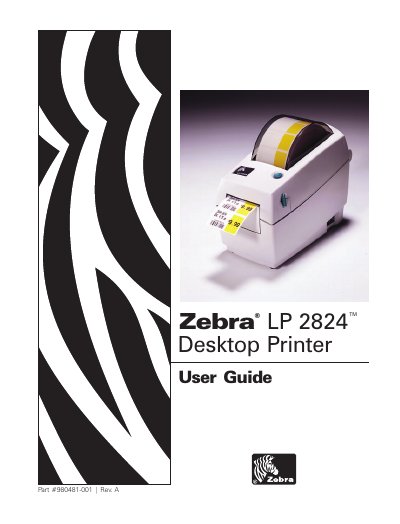
This Zebra LP 2824 User Guide explains how to unpack and inspect the desktop printer, attach the power supply, load roll media, use the operator controls, and connect the printer to a computer. It also covers direct-thermal printing, peel-mode printing and cutter use, cleaning, replacing the platen and print head, print-quality troubleshooting, manual calibration, and communications diagnostics.
The appendix documents the printer interfaces, including USB, parallel, internal Ethernet, serial RS-232, and an alternative serial RJ-11 connector.
| Printing method | Direct-thermal |
|---|---|
| Serial default configuration | 9600 baud, 8 bit data, 1 stop bit, no parity |
| RJ-11 serial interface role | Data Communication Equipment (DCE) |
The printer provides direct-thermal printing.
Do not turn the power switch off while reloading; after loading new supplies, press the feed button to resume printing.
The default configuration is 9600 baud, 8 bit data, 1 stop bit and no parity.