
PJP-50R user manual, including basic operating guide, installation guide, maintenance guide etc.
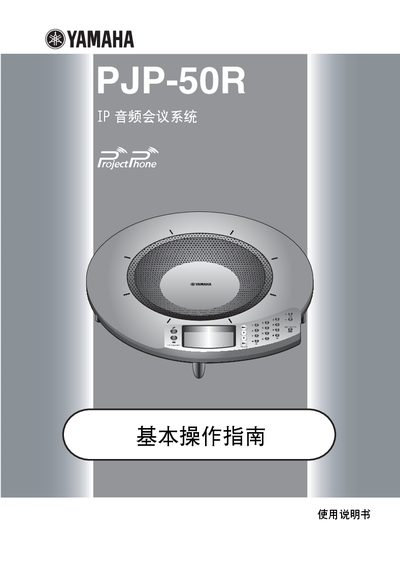
The PJP-50R is an audio conference system that can connect to IP networks, corporate LANs, the Internet, and analog telephone lines, supporting multi‑party calls. It can also serve as a microphone and speaker for PC or video‑conference setups, offering echo‑cancellation and various audio modes.
The manual covers installation requirements, button functions, configuration steps, and troubleshooting. It advises proper ventilation, safe power connections, and how to use the LCD display, LED indicators, and mute controls during operation. This manual is written in Chinese.
| Number of microphones | 16 |
|---|---|
| Number of speakers | 4 |
| Minimum top clearance | 10 cm |
| Power supply | AC adapter (PJP-PS01) |
The unit is not receiving power; check that the AC adapter and power cord are correctly connected to the wall outlet.
Press the 0 MIC MUTE button; the LED turns orange to indicate mute, and pressing it again restores the microphone.