
Key facts
- Brand
- Yamaha
- Model
- ACD1
- Documents
- 3
- Languages
- EN · ZH
- Last added
- 2012-06-11
Start here
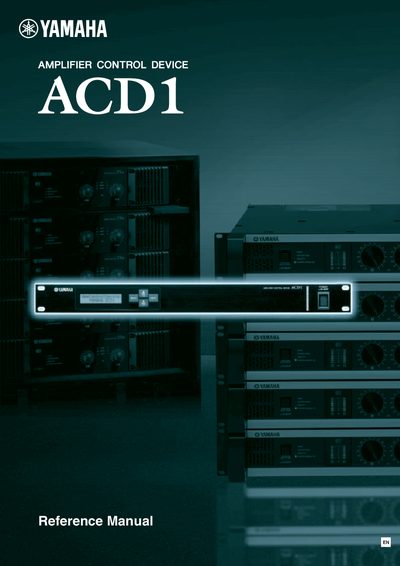
Yamaha ACD1 Amplifier Control Device Reference Manual
This document serves as a reference guide for the Yamaha ACD1 Amplifier Control Device. It explains the operation and specifications of the unit itself, including front and rear panel controls, basic functions like scene recall and amplifier control, and device setup procedures such as ID setting and firmware version checks.
The manual details how to configure network settings (IP address, MAC address) and utilize General Purpose Interface (GPI) connections for external equipment. It also provides information on supported Yamaha amplifiers, connector wiring diagrams, and troubleshooting steps.
Yamaha ACD1 specifications
| Supported Amplifiers (XP series) | XP7000, XP5000, XP3500, XP2500, XP 1000 |
|---|---|
| Supported Amplifiers (XM series) | XM4180, XM4080 |
| Scene Capacity per Amplifier | 49 scenes |
| Network Interface Speed | 100Base-TX/10Base-T Ethernet |
| GPI Output Voltage | 5 volts |
| DATA PORT Max Units | 32 units |
| MONITOR/REMOTE Max Units | 8 units |
Source: Yamaha ACD1 Amplifier Control Device Reference Manual
All Yamaha ACD1 documents by type
Day-to-day operation, settings and troubleshooting. Start here if the product is already set up.
Questions answered in these manuals
What software is required to use the ACD1?
You must use Amp Editor Version 1.1 or later.
How many scenes can be specified for each connected amplifier?
The ACD1 can specify 49 scenes for each connected amplifier.
What is this product?
This manual covers the Yamaha Amplifier Control Device model ACD1.
How should I connect the power cord?
You must be sure to connect it to an appropriate outlet with a protective grounding connection.
Which Ethernet standards does the ACD1 support?
It supports 100Base‑TX and 10Base‑T connections.
From: Yamaha ACD1 User Manual
How can I set the IP control port number?
Use the IP Control Port # setting in the Network Setup section.
From: Yamaha ACD1 User Manual