
Key facts
Start here
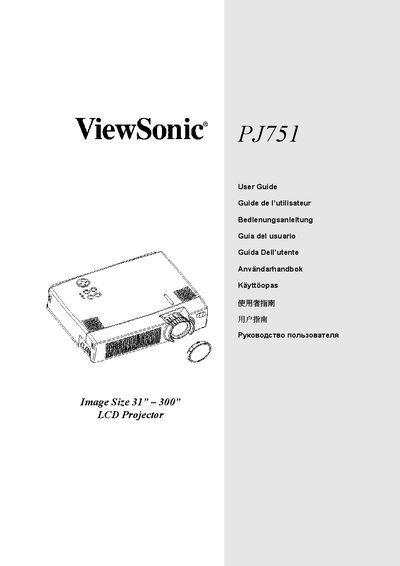
ViewSonic PJ751 Projector User Manual
User Manual 45 pages · 2.6 MB · EN
This manual explains how to set up, operate, and maintain the ViewSonic PJ751 LCD projector. It includes safety warnings, unpacking, and connection instructions.
Detailed sections cover lamp replacement, filter cleaning, remote control battery installation, angle adjustment, and troubleshooting of common issues.
ViewSonic PJ751 specifications
| Brightness | 2500 lumens |
|---|---|
| Native Resolution | 1024 × 768 |
| Power Consumption (Full Mode) | 290 W |
| Weight | 3.25 kg |
All ViewSonic PJ751 documents by type
User Manual 2
Day-to-day operation, settings and troubleshooting. Start here if the product is already set up.
Questions answered in these manuals
What is the brightness of the ViewSonic PJ751 projector?
The PJ751 provides a brightness of 2500 lumens.
What warranty coverage does the PJ751 have?
It includes a three‑year full warranty and a one‑year lamp warranty.
How do I replace the lamp?
Turn off the Power Switch, unplug the power cord, wait about 45 minutes for the lamp to cool, then replace the lamp.
What batteries does the remote control use?
The remote uses AA batteries, inserted with the correct polarity.